


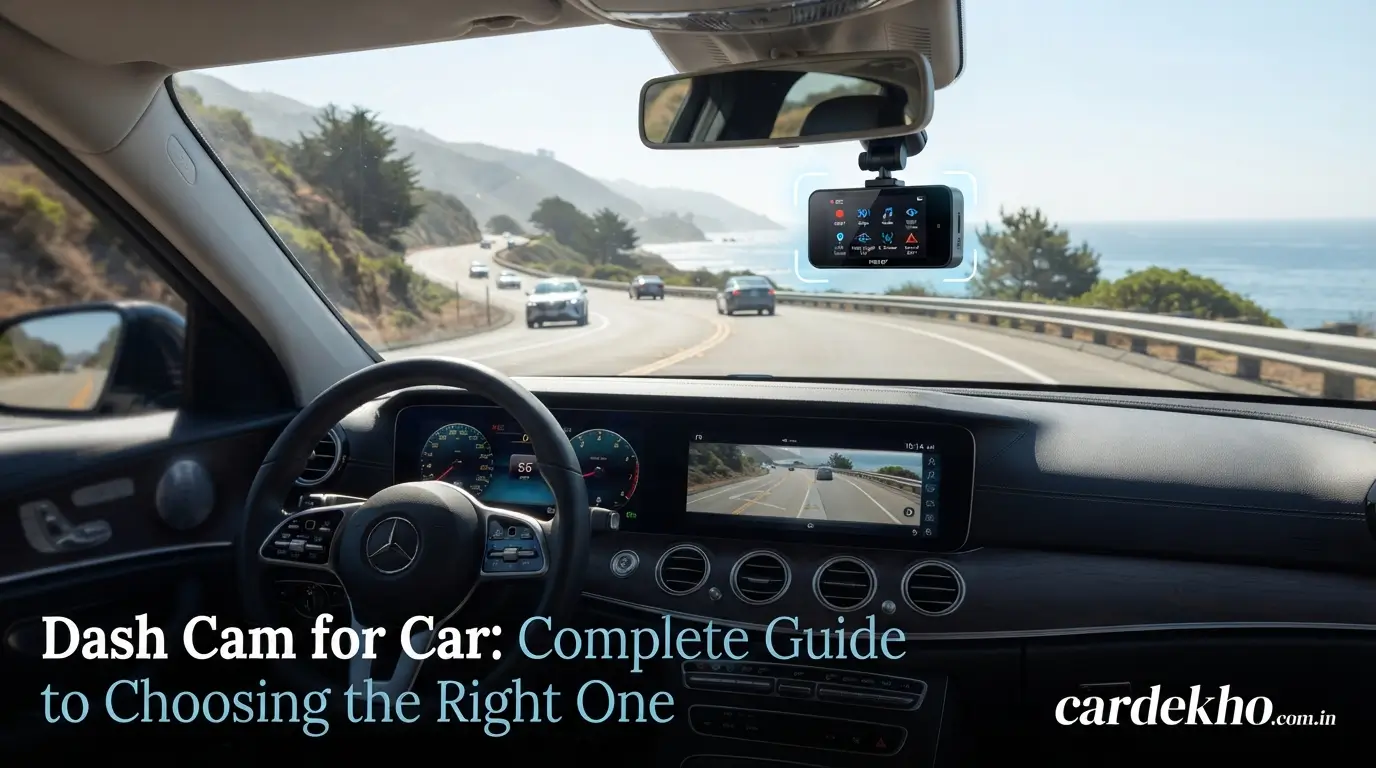
Welcome to CarDekho. A dash cam for car is a compact camera designed to record what happens on the road while you drive. It can continuously capture traffic, road conditions, unexpected incidents, and other important moments in front of your vehicle.
Choosing the right car dash cam depends on more than video resolution. Features such as night recording, storage, GPS, parking mode, camera coverage, and installation can make a significant difference. This guide explains the key features and choices to consider before buying a dashboard camera for a car.
What Is a Dash Cam for Car?
A dash cam for car is a small video camera mounted inside a vehicle, usually near the rear-view mirror. It records video through the windshield and saves the footage to a memory card. Modern car dash cameras can offer features such as loop recording, GPS, Wi-Fi, impact detection, and parking monitoring.
How Does a Car Dash Cam Work?
A car dash cam normally starts recording when the vehicle receives power. It continuously saves short video files instead of creating one very large recording.
With loop recording, the camera automatically replaces older unprotected files when the memory card becomes full. A G-sensor can detect sudden impacts and help protect relevant recordings from being overwritten.
What Does a Dash Cam Record?
A dash cam for car can record:
- Traffic ahead of the vehicle
- Road conditions
- Other vehicles
- Traffic incidents
- Sudden impacts
- Important driving events
Depending on the model, a dual-channel dash cam can also record behind the vehicle, while a 3-channel dash cam may record the cabin.
Types of Dash Cams for Car
Different vehicles and driving situations can require different camera configurations.
Front Dash Cam
A front-facing dash camera records the road ahead. It is generally the simplest configuration and can be suitable for drivers who primarily want front-road video.
A front camera can also be easier to install because it requires only one camera and usually has fewer cables.
Front and Rear Dash Cam
A front and rear dash cam records both directions of the vehicle. The front camera records the road ahead, while the rear camera provides additional coverage behind the car.
This setup can provide more complete video documentation than a front-only camera.
3-Channel Dash Cam
A 3-channel dash cam typically combines three cameras:
- Front camera
- Rear camera
- Interior camera
The interior camera can record the vehicle cabin while the front and rear cameras cover the surrounding road.
Dash Cam With Interior Camera
A dash cam with an interior camera is designed to record inside the vehicle. It can be useful when cabin footage is important, such as for professional or rideshare drivers.
Some models use infrared lighting to improve interior recording in low-light conditions.
Key Features of a Dash Cam for Car
The most important features depend on how and where you drive.
Video Resolution
Resolution determines the amount of detail captured in the video.
Common options include:
- 1080p: Basic Full HD recording
- 2K: Higher detail than 1080p
- 4K: Higher-resolution recording with additional detail
A 4K dash cam can provide useful detail, but resolution should not be the only consideration. Sensor quality, lens performance, bitrate, and image processing also affect the final footage.
Night Vision and HDR
Night recording is particularly important because road conditions can change dramatically after dark.
Night vision helps the camera record in low-light conditions, while HDR can help manage scenes containing both bright and dark areas.
Look for footage samples when comparing cameras rather than relying only on specifications.
Field of View
The field of view describes how much of the road the camera can capture.
A wider viewing angle can cover more of the surrounding road, while an extremely wide lens can introduce additional image distortion. The goal is to find a useful balance between coverage and image clarity.
GPS
A GPS dash cam can record information such as location, route, and sometimes vehicle speed alongside video footage.
GPS can be useful when reviewing where and when a recording was made.
Wi-Fi and Smartphone Connectivity
A Wi-Fi dash cam can connect to a smartphone through a companion application.
Depending on the model, this can allow you to:
- View recordings
- Download video clips
- Change settings
- Share footage
- Check camera status
This can be more convenient than repeatedly removing the memory card.
G-Sensor and Emergency Recording
A G-sensor detects sudden movement or impact. When a significant impact is detected, the camera can mark the relevant video as an emergency file.
This helps prevent important footage from being automatically deleted during loop recording.
Loop Recording
Loop recording allows the camera to record continuously by dividing footage into smaller files.
When available storage becomes full, the oldest unprotected files can be replaced with new recordings. This means you generally do not have to manually delete ordinary footage every time the card fills up.
Parking Mode
Parking mode allows compatible cameras to monitor the vehicle while it is parked.
Depending on the model, parking recording can be triggered by:
- Motion
- Impact
- Buffered event detection
Parking mode may require a hardwire kit or another continuous power source, so check the camera’s installation requirements before using it.
Read also: VF7 Car: Price, Specs, Range, Features & Variants 2026
How to Choose the Best Dash Cam for Your Car
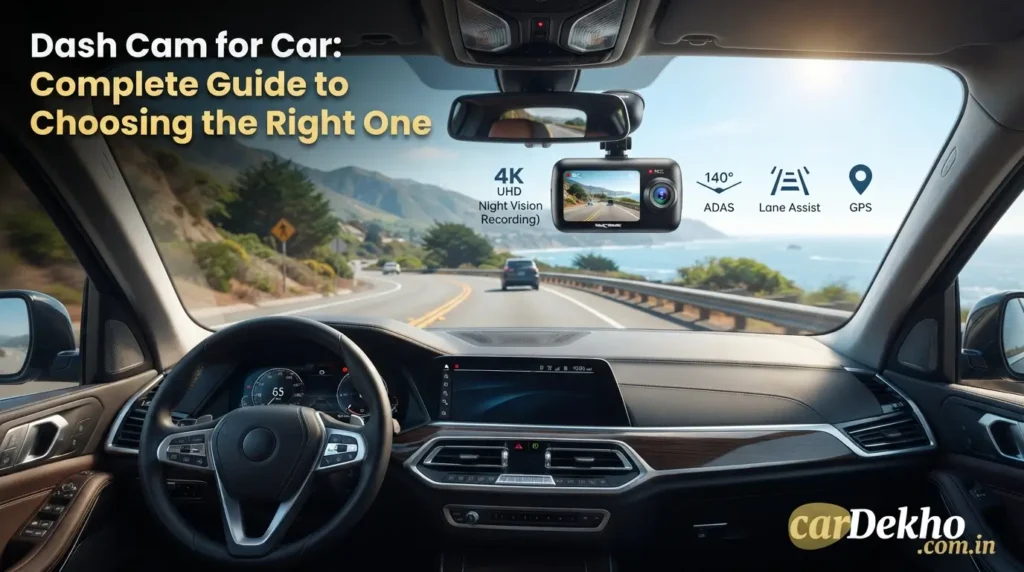
The right dash cam for car depends on your recording needs, vehicle, budget, and preferred features.
Choose the Right Video Resolution
For basic recording, 1080p can provide Full HD video. A 2K camera offers additional detail, while 4K can provide even more image information.
Consider 4K when detailed footage is a priority, but also examine actual daytime and nighttime video quality.
Choose Front-Only or Front-and-Rear Recording
Choose a front camera if your primary requirement is recording the road ahead.
A front and rear dash cam provides broader vehicle coverage and can be useful when you want footage from both directions.
If cabin recording is also important, consider a 3-channel dash cam.
Consider Night Recording Quality
Do not judge a car dash cam only from daytime specifications.
For nighttime driving, look for:
- Good low-light performance
- HDR support
- Effective exposure control
- Clear image processing
- Reduced headlight glare
Sample footage can be particularly useful when comparing models.
Check Storage and microSD Card Support
Dash cams continuously write video files, so storage reliability matters.
Look for a camera that supports a suitable high-endurance microSD card. Check the manufacturer’s recommended capacity and card type before purchasing.
Higher resolutions and multiple cameras can also consume storage more quickly.
Consider Parking Mode
If you want your dash cam for car to monitor the vehicle while parked, check whether it supports parking mode.
Also check whether parking mode requires:
- A hardwire kit
- Continuous power
- Battery-voltage protection
- Professional installation
Dash Cam Installation in a Car
Correct installation is important for obtaining useful footage from a dash cam for car.
Where to Mount a Dash Cam
The camera should be positioned where it has a clear view of the road without unnecessarily obstructing the driver’s vision.
A common position is behind or near the rear-view mirror. The exact placement depends on the vehicle and camera design.
After mounting the camera, adjust the angle so that the road is properly framed.
How to Power a Dash Cam
Common power options include:
- 12V vehicle power socket
- USB connection
- Hardwire kit
A 12V socket is generally straightforward for basic use. A hardwired dash cam can provide a cleaner installation and may be necessary for certain parking-mode functions.
How to Install a Rear Dash Cam
A rear camera is normally mounted toward the back of the vehicle and connected to the main camera using a suitable cable.
Route the cable carefully through the vehicle’s interior trim. Avoid areas where cables could interfere with airbags, pedals, steering components, or other safety equipment.
Dash Cam Storage and Recording
Storage affects how much footage your dash cam for car can retain.
How Much Storage Does a Dash Cam Need?
Storage requirements depend on:
- Video resolution
- Number of cameras
- Recording bitrate
- Recording length
- Memory card capacity
A dual-camera or 3-channel system generally uses storage faster than a front-only camera.
How Long Does a Dash Cam Record?
A dash cam for car can record continuously as long as it has power and sufficient storage.
With loop recording, old unprotected files are automatically replaced when storage is full.
Higher-resolution recordings generally require more storage, so check the camera’s estimated recording capacity for your chosen memory card.
How to Protect Important Dash Cam Footage
Important clips can often be protected through:
- Emergency recording
- G-sensor activation
- Manual file locking
- Smartphone app controls
After an important incident, transfer the footage to another device rather than relying only on the camera’s memory card.
Common Dash Cam Buying Mistakes
Avoiding common mistakes can make it easier to choose a suitable dash cam for car.
Choosing Only by 4K Resolution
A 4K dash cam can provide high-resolution footage, but 4K alone does not guarantee excellent video.
Sensor quality, lens quality, HDR, bitrate, and nighttime performance should also be considered.
Ignoring Night Video Quality
A camera can produce impressive daytime footage but struggle at night.
Before buying, check real-world nighttime footage and pay attention to headlights, dark roads, moving vehicles, and overall image clarity.
Using an Unsupported Memory Card
Not every microSD card is suitable for continuous dash cam recording.
Use a compatible high-endurance microSD card that meets the manufacturer’s recommended specifications.
Forgetting Parking Mode Power Requirements
Parking mode may require the camera to receive power even after the vehicle is turned off.
Before using this feature, check whether you need a hardwire kit and whether the system includes appropriate battery protection.
Installing the Camera Incorrectly
A poorly positioned car dash camera can record an unnecessarily large amount of sky, dashboard, or vehicle interior.
After installation, check the live view and adjust the camera so the road occupies the appropriate part of the frame.
Dash Cam for Car Buying Checklist
Before buying a dash cam for car, check these features:
- Video resolution
- Night recording quality
- HDR
- Front/rear coverage
- GPS
- Wi-Fi
- Parking mode
- G-sensor
- Loop recording
- microSD card support
- Mounting system
- Power requirements
Choose features based on your actual driving and recording requirements rather than paying for functions you will not use.
Frequently Asked Questions About Dash Cam for Car
Is a dash cam worth having in a car?
A dash cam for car can provide a video record of driving events, traffic conditions, and incidents. Its usefulness depends on how you drive and what you want to document.
Is 4K necessary for a car dash cam?
No. A 1080p or 2K car dash cam may be sufficient for many drivers. A 4K model can be considered when higher image detail is a priority, but overall image quality should also be examined.
Should I get a front or front-and-rear dash cam?
A front camera records the road ahead, while a front-and-rear dash cam provides additional coverage behind the vehicle. Your choice should depend on how much coverage you want.
Can a dash cam record when the car is parked?
Yes, if the camera supports parking mode and receives the required power while the vehicle is off. Some systems require a hardwire kit.
How long does dash cam footage stay on a memory card?
It depends on memory capacity, resolution, bitrate, number of cameras, and recording settings. Loop recording allows the camera to automatically replace older unprotected footage when storage becomes full.
Conclusion
Choosing the right dash cam for car starts with identifying the coverage and recording quality you actually need. Resolution, night performance, storage, parking mode, GPS, and front/rear coverage are among the main features to compare.
For a simple setup, a front-facing camera may be enough. Drivers who want broader coverage can consider a front and rear dash cam or a 3-channel dash cam. Whatever configuration you choose, prioritize reliable recording, suitable storage, correct installation, and features that match your everyday driving needs.
